
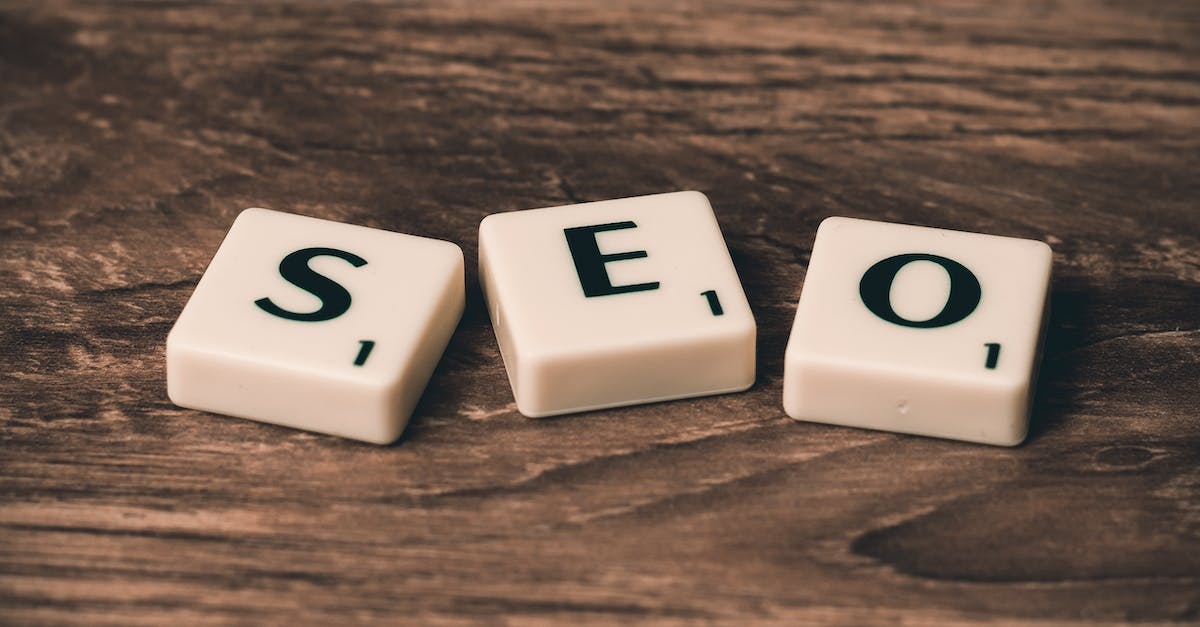
Improve Your SEO With Google Web Stories
Google Web Stories were introduced as an engaging tappable content format in 2018, providing viewers with immersive tappable media that will engage their attention and drive traffic back to your site.
As with any piece of content, SEO optimization for web stories is essential in ranking on Google Search and Discover. There are certain story-specific requirements which must be fulfilled to rank them successfully on these search engines.
1. Create a compelling title
An engaging title is vital to the success of your web story, since it will appear on key user-oriented Google surfaces such as Search and Discover.
Make your story’s title appealing by selecting keywords and phrases relevant to its content, then keeping it short and easy to read.
Add image alt text and video descriptions to enhance SEO for better content ranking on Google. This will allow them to better comprehend your story’s text and rank it higher on their search engines.
2. Optimize your image alt text
Adopting alt text for images helps enhance both SEO and user experience for visually-impaired visitors, as well as helping search engines understand your content more clearly.
As a best practice, your image alt text should be informative and specific, including any targeted keywords whenever possible.
Avoid filler keywords such as “picture of” and “image of”, which would not only not assist screen readers but could also confuse search engines.
3. Add a call-to-action (CTA) button
CTAs (call-to-actions) are an effective way of encouraging visitors to your website or blog to take a certain action, whether that be subscribing to your email list or buying something on an e-commerce website.
Add an explanation above your CTA button that outlines what will happen when users click it. For instance, on an e-commerce website’s Buy Now button you could include text such as: “Purchase today for free shipping” to make it more clear what will occur when the user clicks.
Call-to-action buttons are essential components of an engaging website or blog, driving conversion rate upwards by pushing users towards fulfilling specific goals.
4. Include a link to your website
Google Web Stories are an innovative new format designed to allow creators to easily publish short visual stories on multiple channels at the same time, much like Instagram and Facebook Stories. They work similarly but can be shared from within your own website as well.
These videos are quick and simple to share, making them great tools for driving traffic to your website or blog. Furthermore, they support tapable links which enable viewers to directly access it.
Google Web Stories offer an easy way to add visual content to your website that’s accessible across various platforms and can boost SEO performance. They make for great companion pieces to existing video content while helping improve search engine optimization (SEO).
5. Add a call-to-action (CTA) button
Call-to-action (CTA) buttons exist to lead visitors towards taking specific actions on your website, such as visiting product pages, subscribing to newsletters or gaining further knowledge about particular subjects.
Your Call-to-Action should convey a sense of urgency in order to motivate users to act quickly on your offer. This can be achieved using language like “Today, now and Get Started!” in your text as it effectively conveys this sentiment.
E-commerce websites typically employ buy now/checkout now/add to cart language in their sales process, while content marketers might utilize free trial/sign up/and let’s get started to encourage visitors to interact with the company on some level.